Introduction
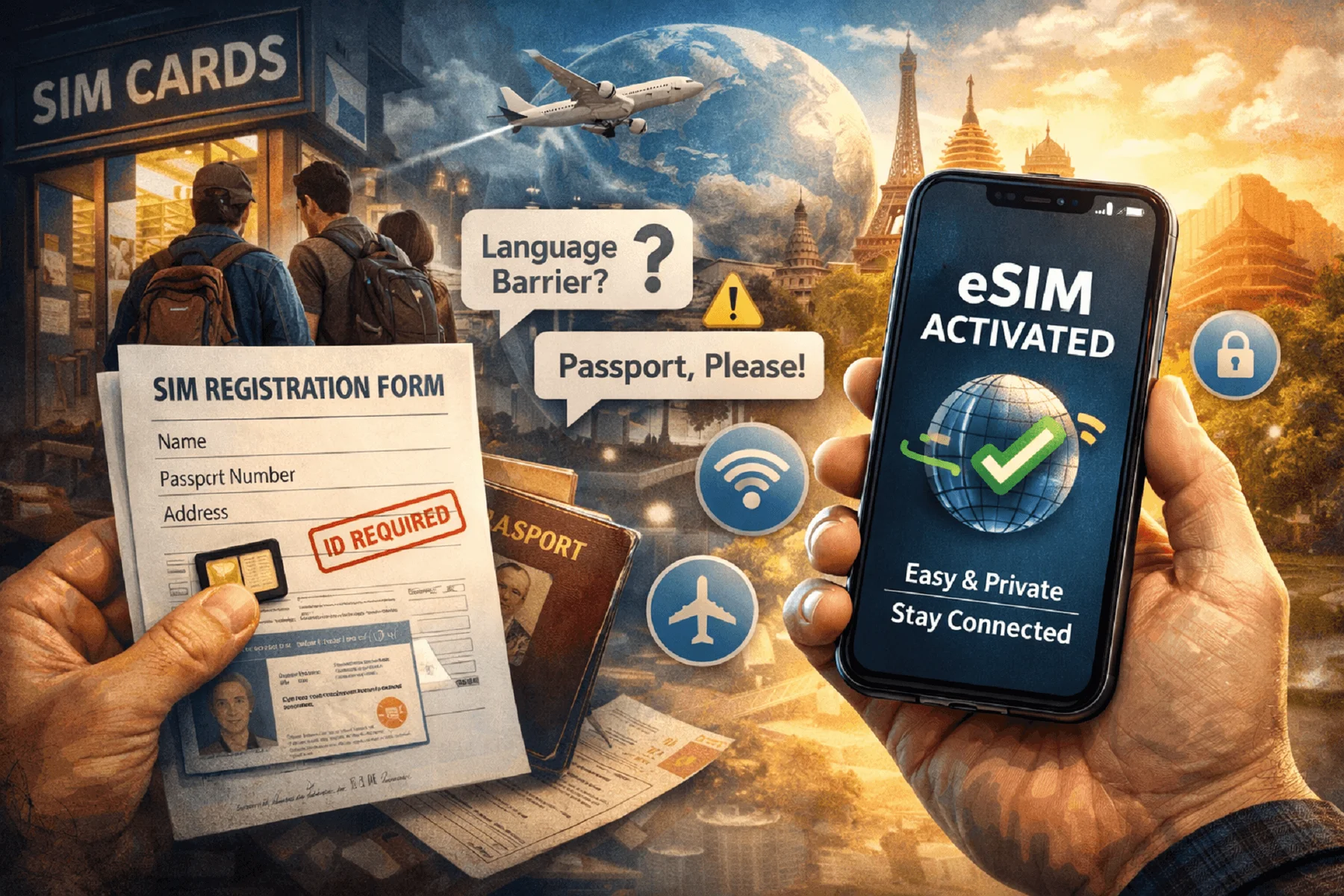
Picture this: You land in a new country, switch off airplane mode, and suddenly remember you forgot to buy a local SIM card. Now you’re at the mercy of overpriced airport vendors, long queues, or shady third-party apps demanding your passport photo. Not ideal.
Setting up traditional SIMs while abroad has always been a hassle. Between SIM registration laws, language barriers, and the inconvenience of swapping physical cards, travelers are often forced to surrender privacy for convenience.
That changes with ZeroID. Built for speed and privacy, it lets users set up an anonymous eSIM in just a few minutes—no app, no account, no ID. You get global data instantly and stay off the grid while staying online.
Fact: Over 150 countries now require SIM card registration with ID—a policy criticized by privacy watchdogs for enabling mass surveillance.
Here’s how to do it the right way, the fast way, and the private way.
What You’ll Need
Before diving into ZeroID’s frictionless setup, here’s what you should have ready:
1. An eSIM-Compatible Phone
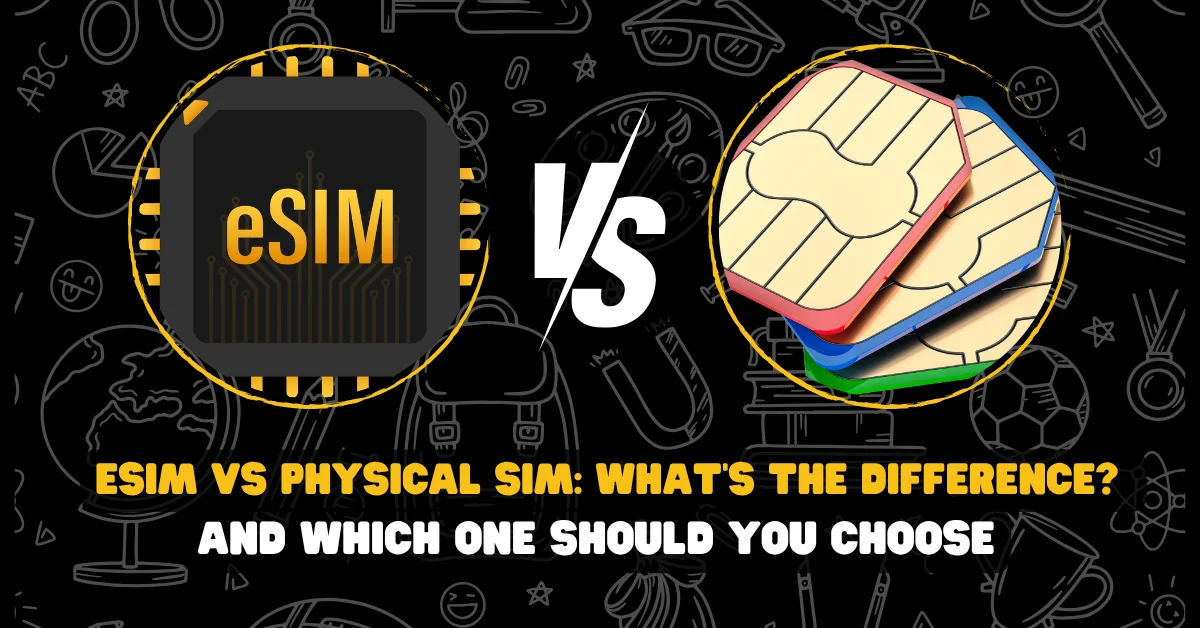
Most smartphones released since 2019 support eSIM. If your device lets you “Add eSIM” in settings, you're good to go.
2. Internet Access for Setup
You’ll need Wi-Fi or mobile data (even from another SIM) to complete the initial activation.
3. A Crypto Wallet with Funds
ZeroID accepts Solana (SOL), USDC, or ZEROID token. Use a wallet like Phantom, Solflare, or a hardware wallet if you’re extra cautious.
Quick Checklist: Setup Readiness
| Item | Requirement |
| Device | eSIM-compatible smartphone |
| Connection | Internet/Wi-Fi for activation |
| Wallet | Crypto wallet (SOL, USDC) |
| KYC or ID Needed | None |
Step-by-Step Guide with ZeroID
You can set up an anonymous eSIM in less time than it takes to download your airline’s mobile app.
1. Visit the ZeroID Website
Go to zeroid.to via your browser. No app download or account creation needed.
2. Choose Your Plan
- Browse by country, region, or global packages
- Select a data package that fits your trip (e.g., 5GB for 14 days in Europe)
3. Pay Using Crypto
- Select your preferred token (SOL, USDC, or ZEROID)
- Connect your wallet and confirm the transaction
Pro Tip: Transactions on Solana are near-instant and cost just a few cents. No more processing fees or waiting for approvals.
4. Receive and Scan the QR Code
- Upon payment, you’ll receive a QR code on screen and via secure link
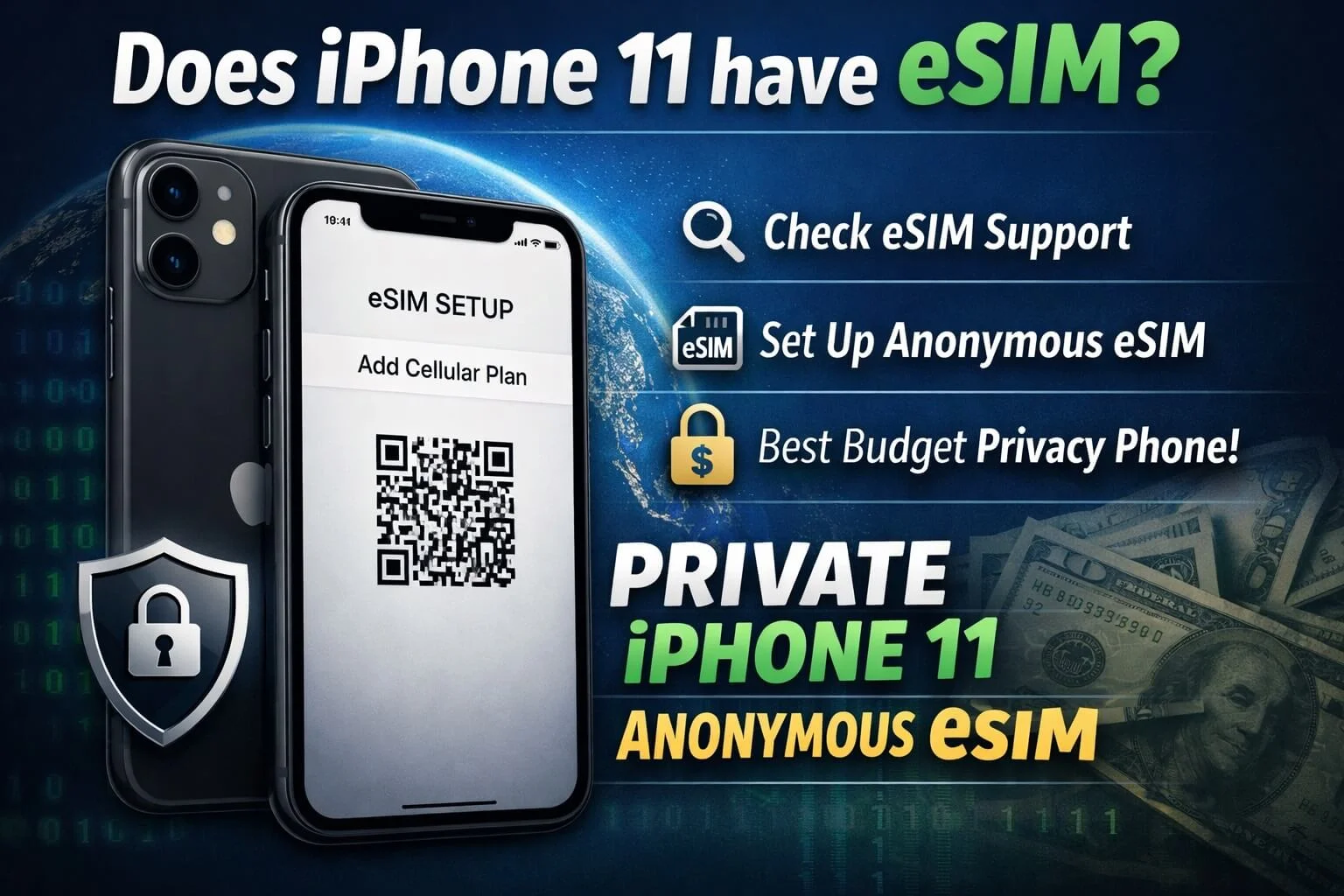
- Open your phone’s settings, go to Mobile/Cellular > Add eSIM, and scan the code
5. Confirm Activation
- Your device will download the eSIM profile
- You’ll be live in under 2 minutes (usually faster)
And that’s it. You’re now connected—without ever handing over your identity.
Troubleshooting and Tips
Even the best privacy tools can hit bumps. Here’s how to stay ahead of them.
How to Check Compatibility
| Brand | Compatible Models (examples) |
| Apple | iPhone XS and newer |
| Google Pixel | Pixel 3 and newer |
| Samsung Galaxy | S20+, Z Flip, Note 20+ |
| Huawei / Others | Limited support; check device specs |
Go to Settings > Mobile/Cellular and look for "Add eSIM" or "Add Cellular Plan". If it’s there, you’re ready.
If the QR Code Fails:
- Make sure your device supports the region/carrier
- Restart your phone and try scanning again
- Contact ZeroID’s Telegram support for manual push activation
Fact: Most QR issues are caused by outdated OS versions. Always update before traveling.
Key Takeaways
- ZeroID allows anyone to set up an anonymous eSIM in under five minutes
- No apps, logins, or personal info required
- Crypto payments add another layer of privacy
- You stay connected in 140+ countries without giving up control of your data
FAQs
Is it really anonymous?
Yes. ZeroID requires no ID, email, or login. Your crypto payment is pseudonymous and your eSIM isn’t tied to a name.
Can I use it for calls?
ZeroID provides data-only plans. Use VoIP apps like Signal, Session, or JMP.chat for secure voice and video.
What if I lose my QR code?
After purchase, you can save the QR code to your device or email it to yourself (if you choose to). ZeroID doesn’t store your code permanently.
Does ZeroID work everywhere?
Supported in 140+ countries, including the US, UK, EU, Asia, and more. Always check the coverage list for your destination.
Conclusion
For frequent flyers, digital nomads, or privacy-focused travelers, setting up mobile data should never require handing over your identity.
ZeroID makes it possible to:
- Avoid airport SIM shops
- Bypass surveillance-driven KYC rules
- Connect quickly and anonymously from anywhere in the world
No apps. No accounts. No ID. Just freedom.
Test ZeroID today and upgrade your privacy travel stack.
[Subscribe now] for monthly updates on secure travel tech, anonymous services, and digital privacy strategies. Your inbox deserves freedom too.
Essential Gear for Anonymous Mobile Travel
| Tool | Function |
| ZeroID eSIM | Anonymous mobile data in 140+ countries |
| Privacy Browser (Brave) | Tracker blocking & secure search |
| Session or Element | Decentralized, encrypted messaging |
| VPN (Mullvad, IVPN) | Hide IP, encrypt traffic, no logs |
| GrapheneOS on Pixel | De-Googled smartphone for daily use |
The world is watching. But your connection doesn’t have to betray you.